Convert PowerPoint into a Gradable Interactive Course with H5P
Free Mini-Moodle Course Demonstration
This video demonstrates how to transform a standard PowerPoint presentation into a fully interactive, gradable online course using H5P and Moodle. You’ll see the step-by-step workflow that enables educators to create meaningful digital learning assets without expensive software or plugins.
In this free mini-Moodle course, you will learn the four steps required to turn a PowerPoint presentation into a gradable LMS-hosted course. By the end, you’ll understand how even basic presentations can become rich, interactive learning experiences.
The original source presentation was a video, but you can start from almost any content — existing PowerPoints, slides, or recorded lectures. Using ChatGPT as a content assistant, the demo illustrates how to save time and resources while producing a flexible course that can be easily updated if content changes.
The Four Steps to Create a Gradable H5P Course
- Prepare your PowerPoint content for interactive use.
- Import or convert the presentation into H5P Interactive Content.
- Add assessments, quizzes, and interactive elements for grading.
- Publish the H5P module in Moodle and test for learner engagement.
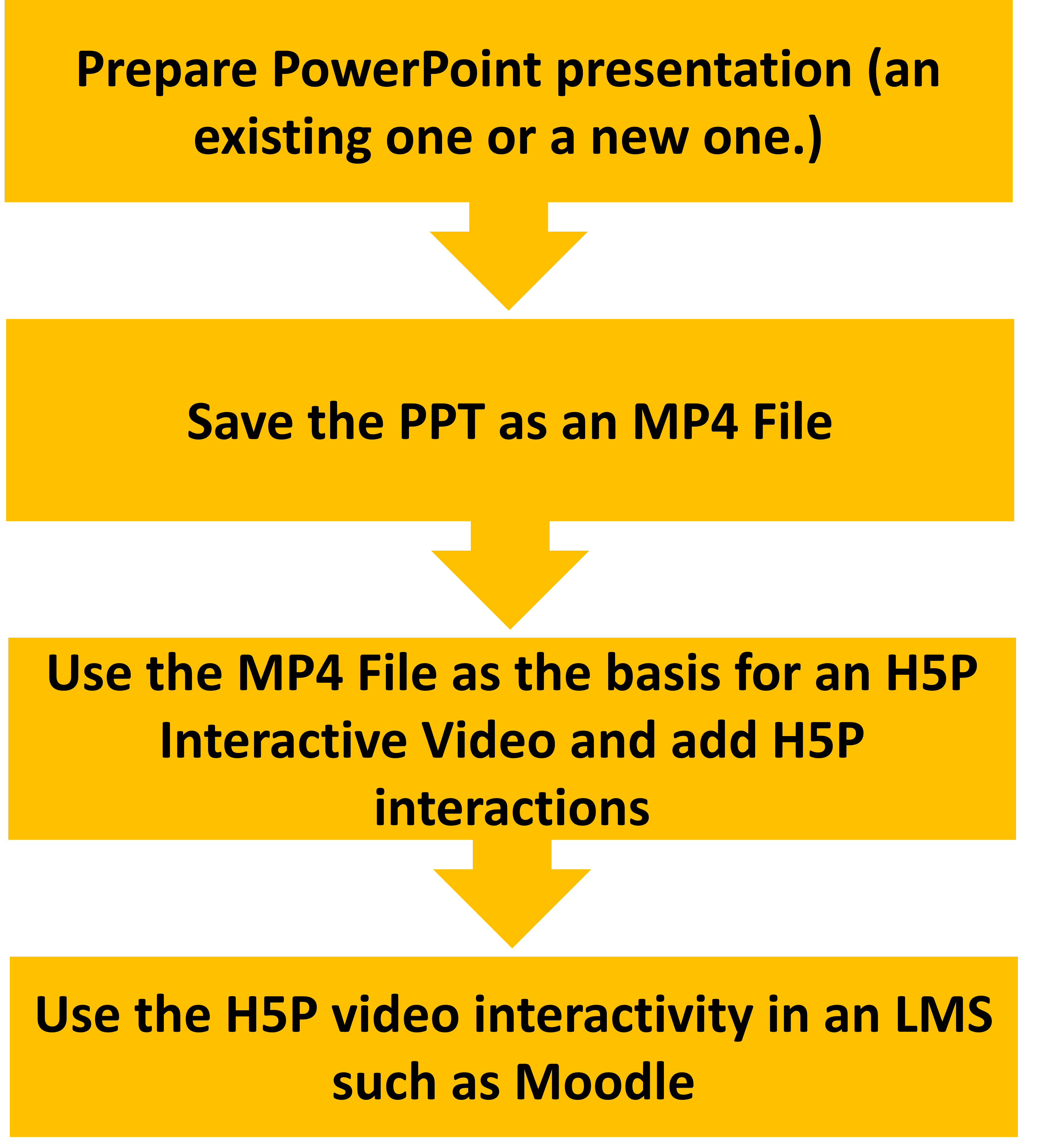 Visual overview of the workflow from PowerPoint to H5P interactive course.
What You’ll Learn in This Mini-Course
- How to convert PowerPoint presentations into interactive, gradable H5P modules.
- How to embed assessments and quizzes to track learner progress.
- Strategies for designing flexible, updateable digital learning content.
- Ways to engage learners with interactive online experiences without extra cost.
Fully free course. No sign-up required beyond Moodle enrollment.