Welcome
Section outline
-
-
MYFUTUREWAY • FREE MINI COURSE
Create and Use Animated 3D Model with ChatGPT in PowerPoint
Create a model that helps you explain something, even if you have never used a 3D modelling program.
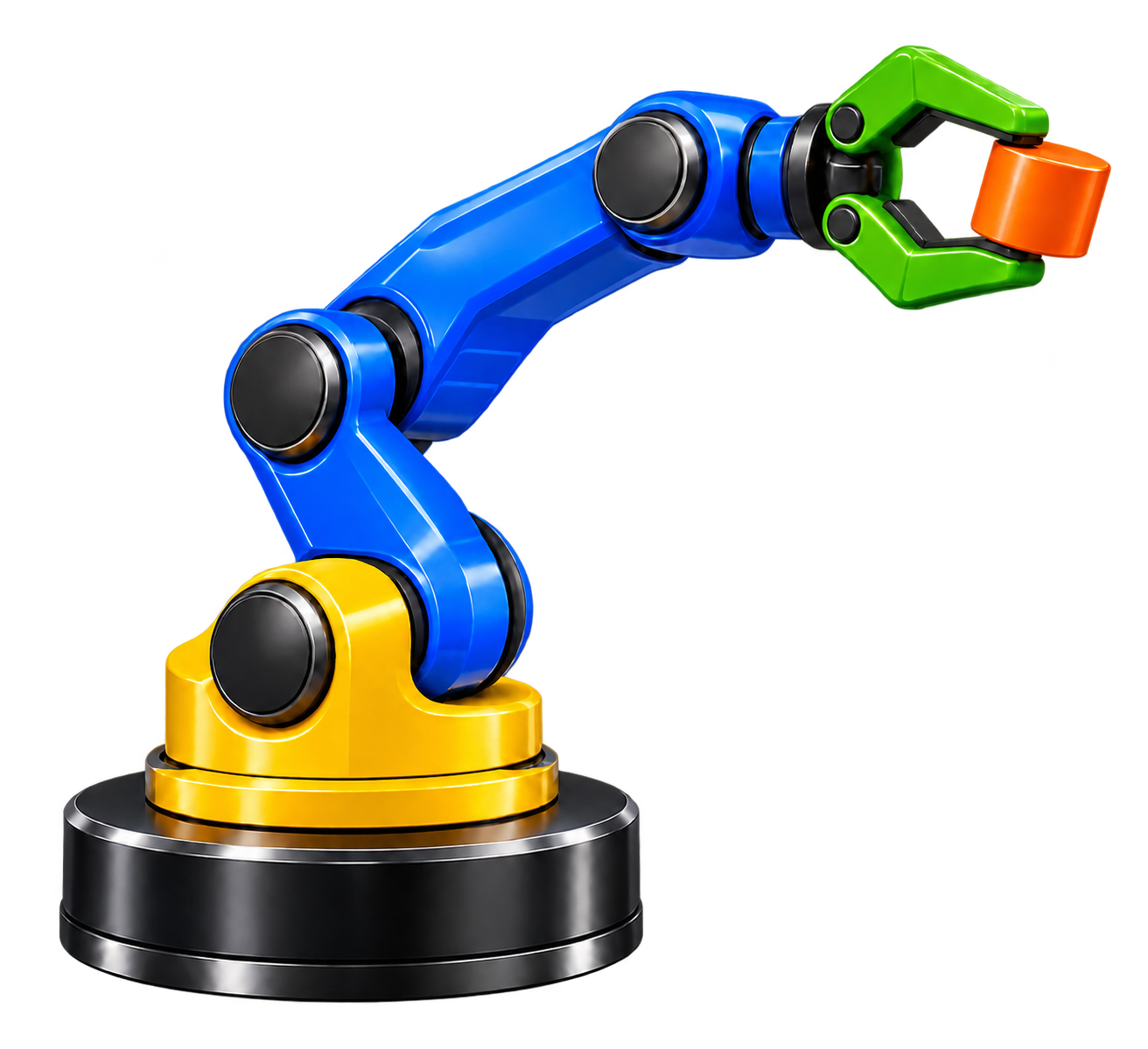
Our course illustration. The downloadable teaching model has a simpler shape; this image is not a screenshot of that GLB. In this mini-course, Johan shows how a robot grew from a rotating base into an animated mechanism. ChatGPT created the files; Johan reviewed the pictures, corrected the design and tested the models in PowerPoint.
By the end you should be able to
- Write a clear brief for a small 3D teaching model.
- Use PNG drafts and annotated screenshots to request useful corrections.
- Insert a GLB in desktop PowerPoint and distinguish whole-model effects from embedded animation.
- Test the result and design a question that makes learners think.
Your route: plan a model → review and refine → play and teach. Allow about 30–45 minutes to read and try the supplied robot; creating your own model may take longer.
You need: a ChatGPT setup that can create downloadable files and a desktop PowerPoint version with animated 3D model support. This example was tested by Johan in his Windows PowerPoint setup. Available features and AI usage limits depend on your software and account. You do not need Blender for this workflow.
Start with the three pages below. Then download the example and share your result in the discussion forum. Completion ticks on the pages are a personal reading checklist, not an assessment of modelling skill.
-